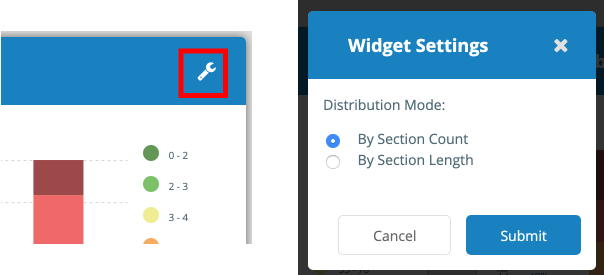
Widgets on your dashboard can be customized to your liking.
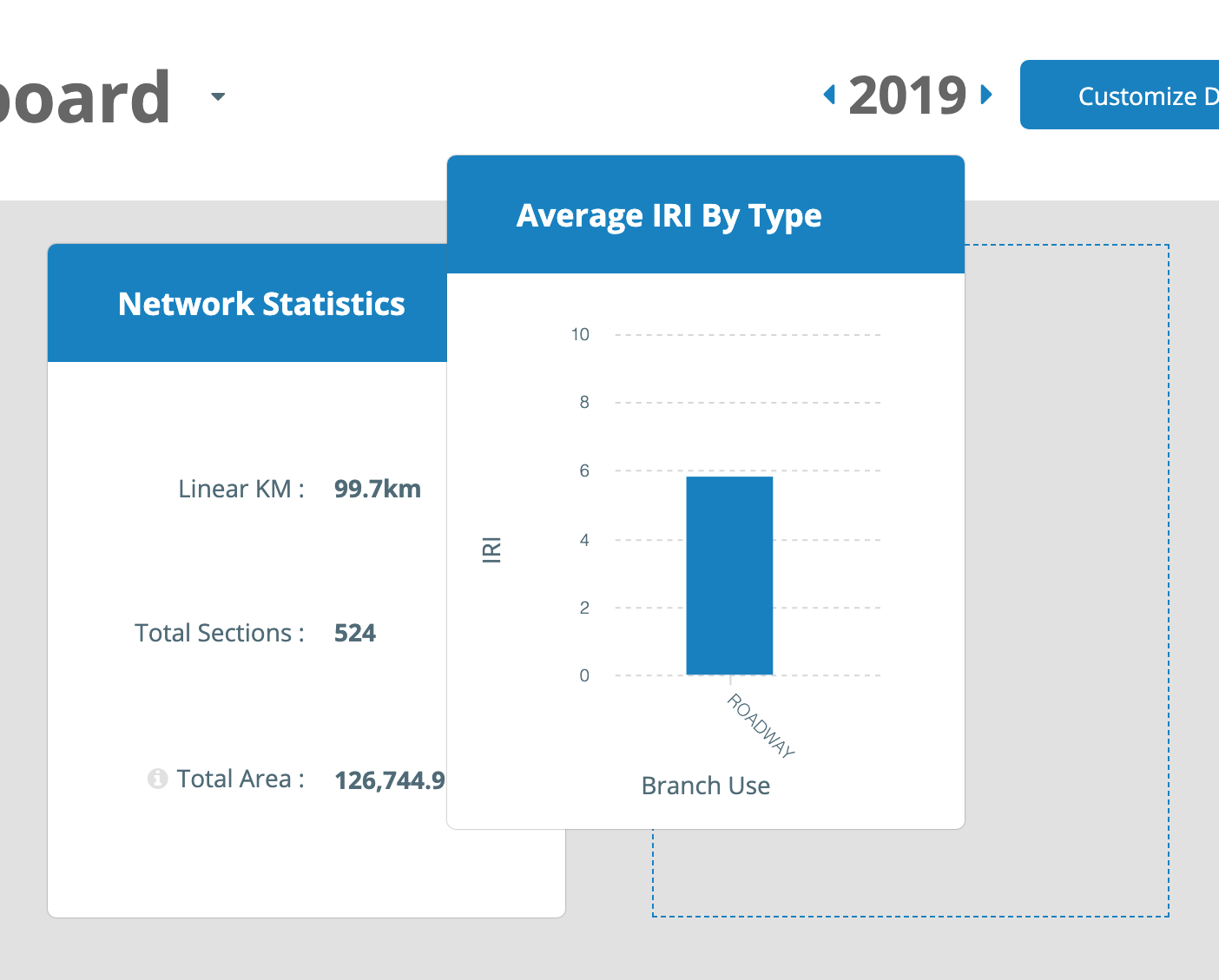
To arrange the position of your widgets click and hold on the target widget, then drag it into place:
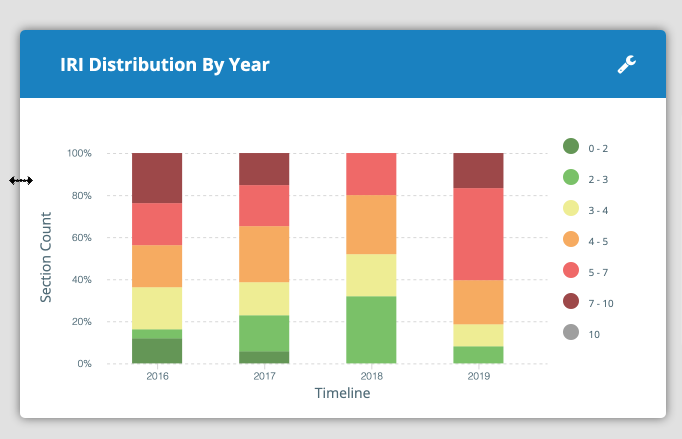
To resize a widget, hover your cursor near the edge of the target widget until the resize cursor appears. Click and hold then drag the edge to resize horizontally.
To access customization options for certain widgets, hover on the target widget and look for the wrench icon to appear in the top right. Click the wrench icon to alter widget options then click Submit or Cancel.