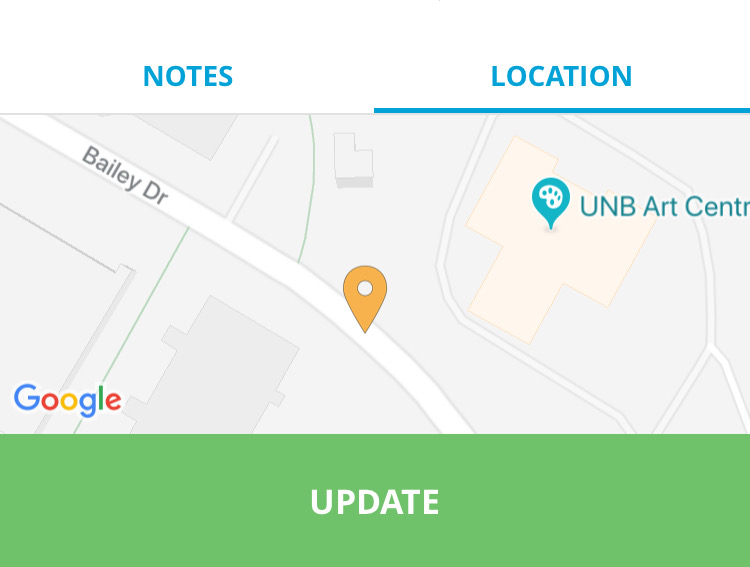
There are two ways to edit the location of your item markers, on the item page or on the main map screen. To edit the marker location from the item page:
- Click the "Location" tab above the item description
- Long press on the item marker
- Drag the marker to your desired location
- Release your finger from the screen
To edit the marker location from the main map screen:
- Long press on item marker
- Drag the marker to your desired location
- Release your finger from the screen