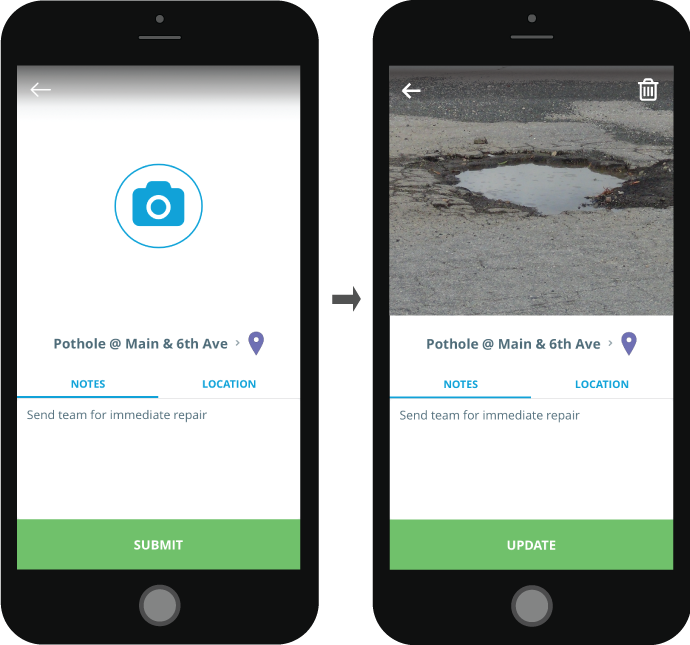
After long pressing to create an item, the Item Details page will appear. To add a picture to your item, follow these steps:
- Click the large camera icon at the top of the screen
- Your phone's native camera app will appear allowing you to take a picture of the item
- Choose to Retake the photo or Use Photo to proceed