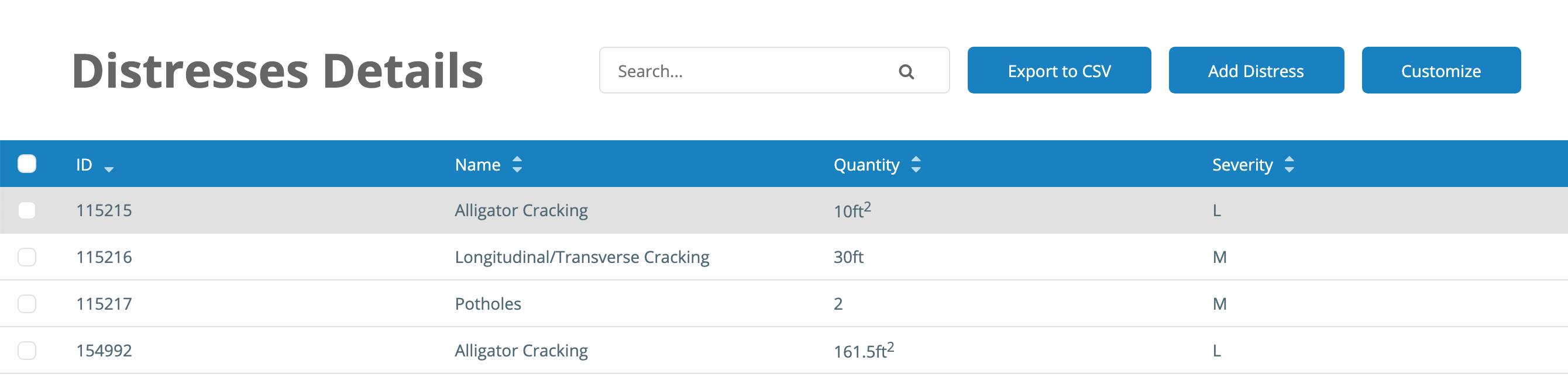
To delete individual PCI surveys, follow these steps:
- Navigate to the section in the PCI Table
- Click the number linked in the ID field

- To delete a survey, click the checkmark next to the survey in question

- Click "Delete"

To edit individual PCI surveys, follow these steps from the section's PCI Details page:
- Click the ID next to the survey you would like to edit

- Click on the ID of the sample you would like to edit

- From here, you can edit existing distresses or add new distresses