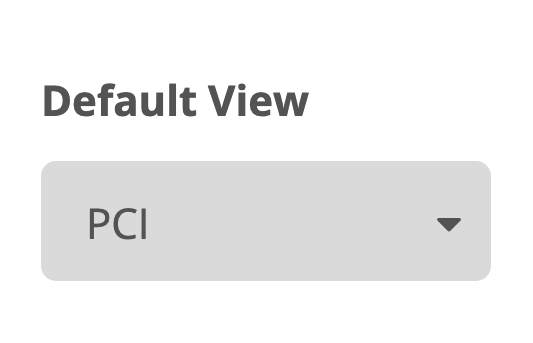
If your account has multiple modules (IRI, PCI, Tracker), you can choose which data layer is shown by default when you load your map dashboard. To alter the layer you'd like to initially view, follow these steps starting from the Settings page:
- Click the Organization tab on the left of the page
- Under the Default View heading, click the dropdown menu
- Select desired default layer you would like to see on your map dashboard