The width of your sample can be edited in two ways:
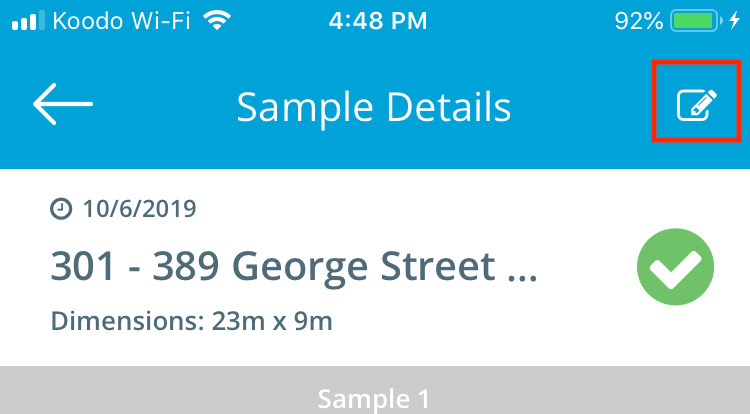
- From the Sample Details Page tap the pencil icon in the top right corner of the screen
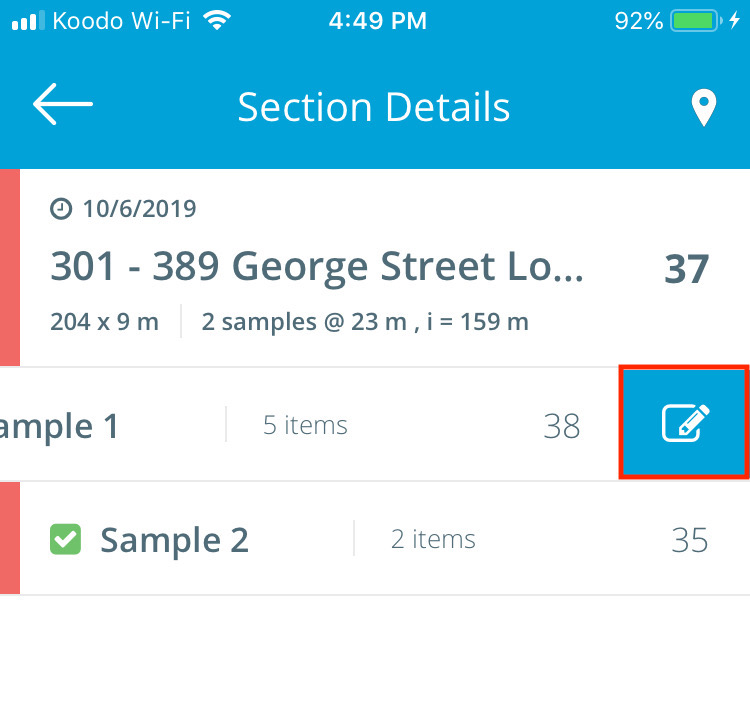
- From the Section Details page, swipe right to left on the sample and tap the pencil icon that is revealed
Note: It is important to have the accurate width inputted as the surface area of each individual sample are taken into consideration when calculating the weight PCI average of the section.